Food Truck POS System Built for Every Service Stop
Food trucks run on tight margins, short service windows, and constant location changes. You manage payments, track ingredients, and handle staff in a space smaller than most restaurant kitchens. Owners Inventory is a platform that gives you a food truck POS system, which covers order management, ingredient stock tracking, payment processing, and end-of-service reporting in one place, so nothing gets missed between stops.
Ratings on the Leading Review Platforms
Challenges Food Truck Owners Run Into Every Day
Food trucks deal with operational problems in every service that affect ingredient costs, cash accuracy, order speed, and location performance when sales and stock are managed without a proper system.
Untracked Ingredient Waste
Food trucks target a food cost percentage between 28% and 35%, and most never hit it consistently. When prep quantities are estimated rather than measured, and ingredients are used without being tied to a specific order, the loss builds up quietly across every service. By the end of the week, the numbers are off, but there is no record to show where they went.
Orders That Slow Service
A busy lunch stop can bring 50 to 60 customers through in under an hour. When orders are taken manually or through a system that is not connected to the cooking station, mistakes happen, and the line slows down. A wrong order during peak service means a remake, a longer wait, and sometimes a refund that comes straight out of the day's margin.
No Mid-Service Stock Alerts
Running out of a core ingredient mid-service is one of the fastest ways to lose a customer permanently. Without real-time ingredient tracking, there is no alert, no time to adjust, and no way to stop it from happening again at the next stop.
Cash Gaps at End of Day
A typical food truck runs with two to four people handling orders, cooking, and payments during the same service window. When no system records which staff member processed which transaction, tracing a cash gap at the end of the day becomes a guessing exercise. A gap of even a few hundred dollars with no transaction record attached to it is nearly impossible to investigate.
How Owners Inventory Solves These Challenges
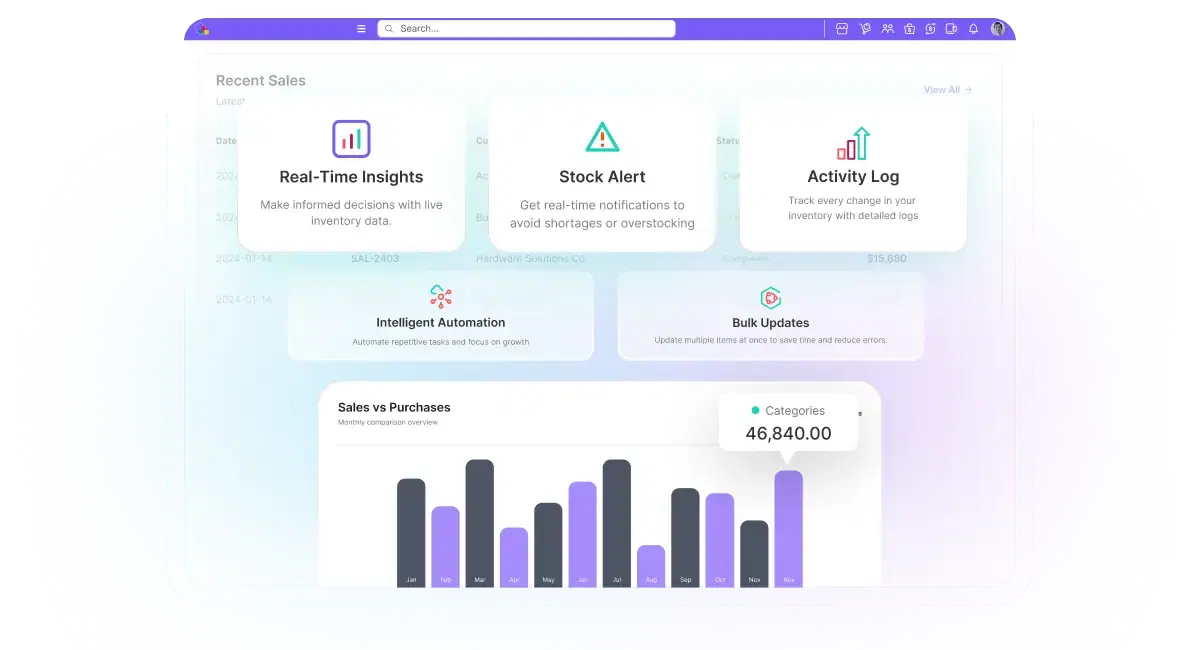
Owners Inventory connects ingredient stock, order management, payment processing, location-based reporting, and staff accountability into one system, so the same problems stop repeating at every service.
Ingredient Usage Tracked Per Order
Every menu item is linked to the ingredients it uses and the exact quantity per portion. When an order is placed, ingredient quantities deduct automatically. If any ingredient drops below your set minimum, an alert goes out before it runs out.
Faster Order Entry
Orders are entered through a tablet or mobile POS at the window. Price, taxes, and modifiers apply the moment an item is selected, and your cooking station receives the order instantly. The gap between taking payment and starting preparation is reduced to seconds, with fewer verbal handoffs and fewer mistakes.
Stock Visible During Service
Ingredient quantities update with each order processed. When an ingredient approaches your set minimum, a low-stock alert gives you time to stop taking affected orders or pull from backup before the queue builds.
Transactions Recorded by Staff
Each payment is recorded under the staff member who handled it, with an exact timestamp. Cash, card, and contactless payments are logged separately. When the session closes, a reconciliation report compares cash expected against cash recorded, so any gap is visible immediately.
Sales Separated by Location
Each session opens with a location tag, so every order is attached to that stop automatically. The end-of-day report shows performance by location without any manual sorting, making it straightforward to identify which stops are worth returning to.
Menu Costs Reflect Supplier Changes
Ingredient purchase prices are stored alongside your supplier records. When a supplier price increases, updating the ingredient cost triggers an automatic recalculation of food cost across every affected menu item, so low-margin items are visible before the next service.
Key Features of Our Food Truck POS System

Mobile POS Terminal
The system runs on tablets and mobile devices, fitting the setup of a food truck without fixed counters or bulky hardware. Orders, payments, and receipts are all handled from the same screen. The interface is built for fast operation in tight spaces, with large item buttons, clear navigation, and a screen readable in direct sunlight or low light.
Menu and Modifier Management
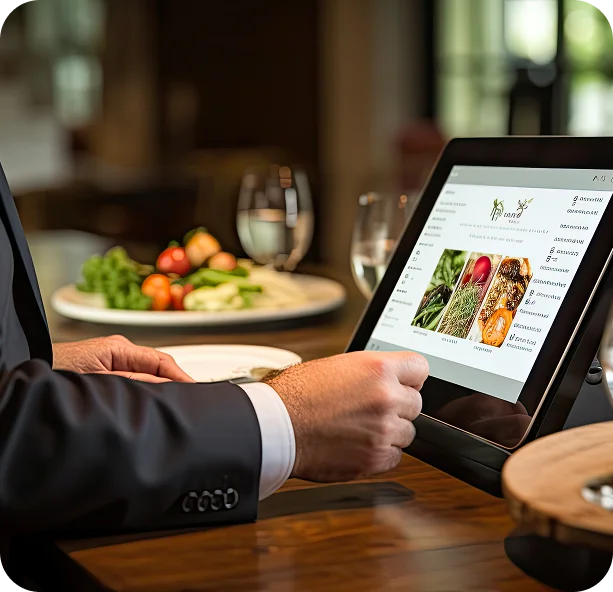
Your full menu is built inside the system with item names, prices, portion sizes, and categories. Add-ons, size variations, and substitutions are attached to relevant items so the correct price calculates automatically. When a price needs updating, the change applies across the menu in a single edit.
Ingredient-Level Stock Tracking
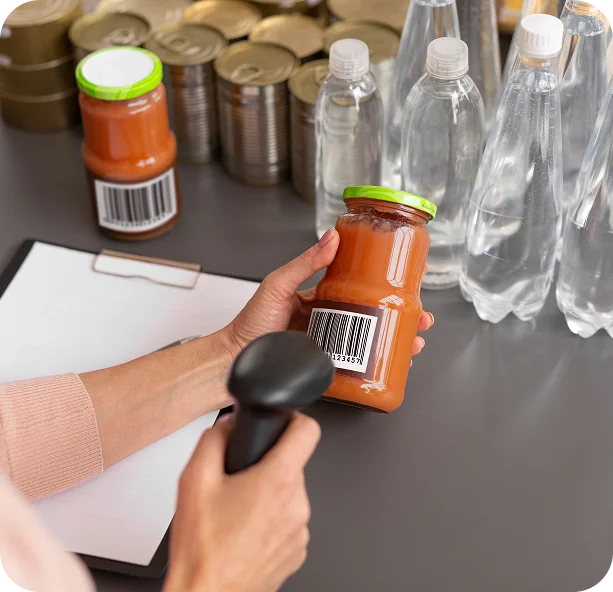
Each menu item is mapped to the ingredients it uses and the exact quantity per portion. Stock reduces automatically with every order, giving you a live count throughout the service. Prep quantities entered at the start of each service are factored in from the first transaction.

Low Stock Alerts and Reorder Points
Every ingredient can be assigned a minimum quantity. When stock drops to that level, an alert triggers before the ingredient runs out, giving you time to stop accepting affected orders or arrange a resupply before the next service.

Offline Mode With Automatic Sync
The system keeps processing orders and payments without an internet connection. All transactions, ingredient deductions, and payment details recorded offline sync automatically to the dashboard once the connection is restored.

Cash, Card, and Contactless Payments
Cash, credit and debit cards, and tap-to-pay are all accepted at the window. A single order can be split across multiple payment methods without any manual calculation. Every payment is recorded with the method, amount, time, and staff member who processed it.
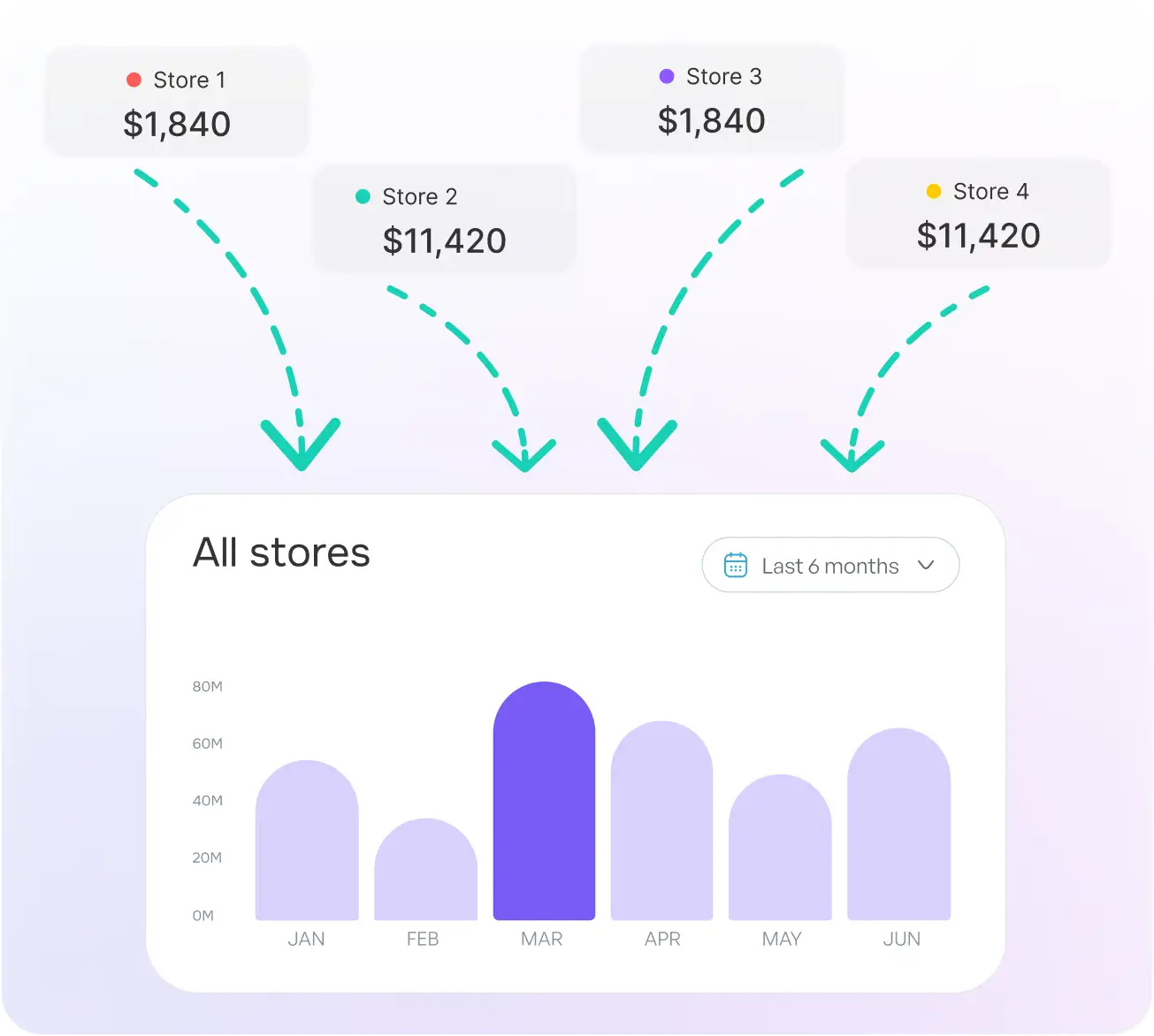
Centralized Sales and Billing for Food Trucks
Every order processed at the service window, every ingredient purchase logged against a supplier, and every session report generated at the close of service runs through the same dashboard. Your sales records and stock records stay in sync automatically, so the numbers on the screen always reflect what actually happened during that service.
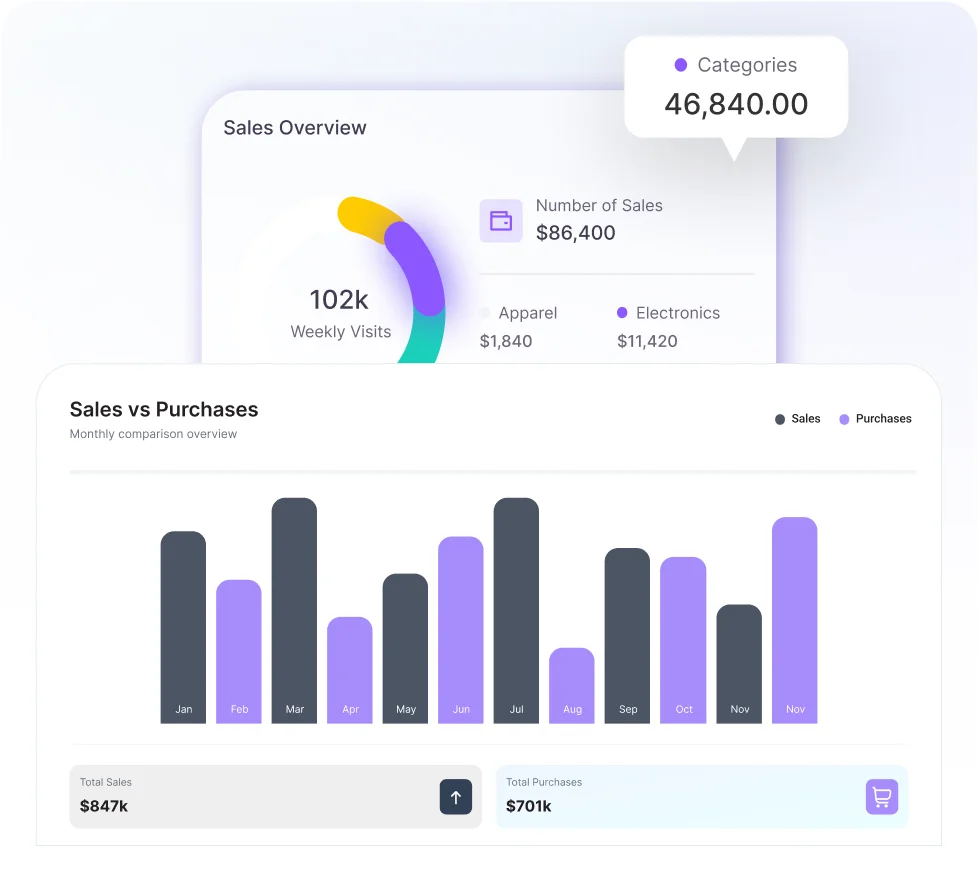
Reporting and Accounting Integration
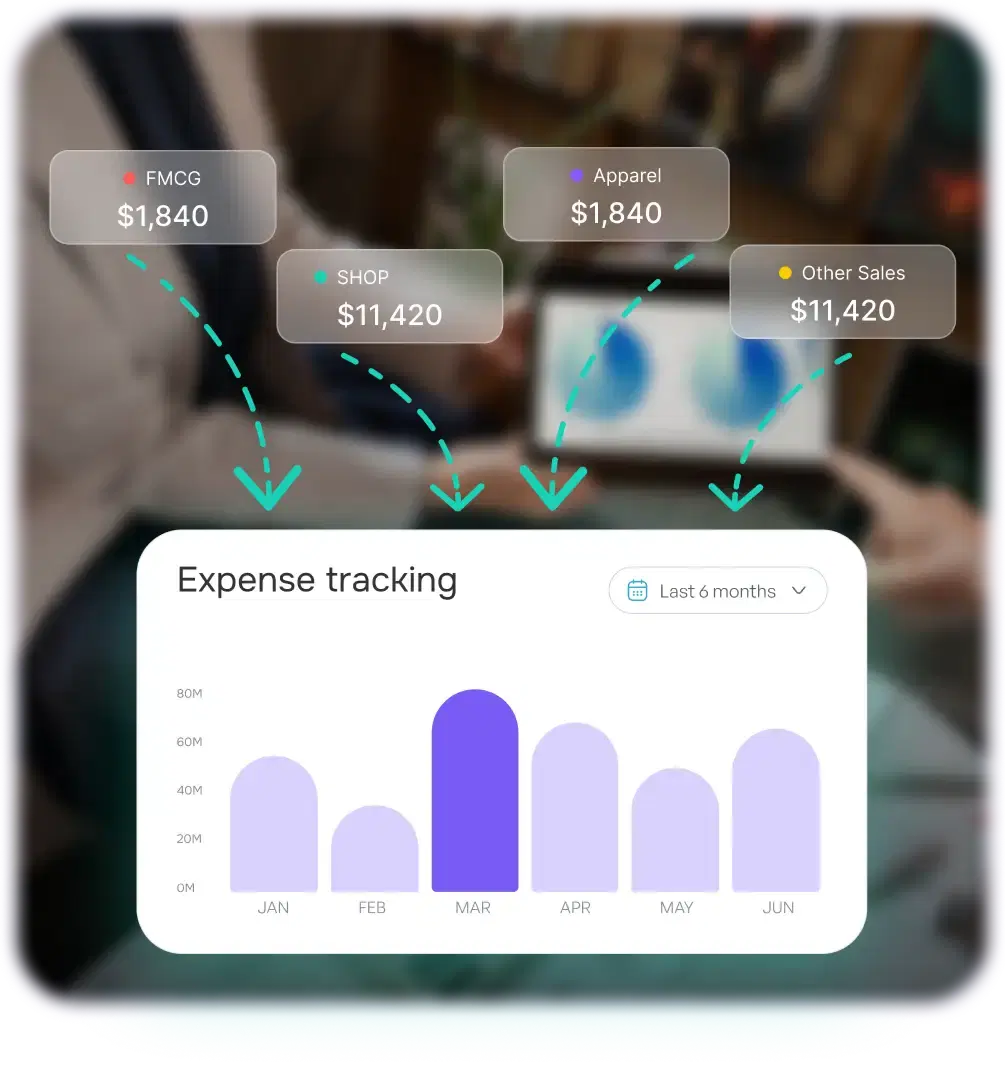
The reporting dashboard pulls together daily service summaries, menu item sales performance, food cost data, and payment breakdowns into one view that updates as transactions are processed. High-margin items and low-margin items are easy to compare across services, so pricing decisions are based on real cost data rather than estimates. Session reports filtered by location show which stops generate consistent revenue and which ones are not worth returning to.
Security, Accuracy, and Compliance
Every transaction in our food truck POS is logged under the staff member who handled it, with an exact timestamp. No sale, void, or refund goes unrecorded. Role-based access control keeps each role limited to what it needs. Staff taking orders and processing payments can't edit stock counts, adjust prices, or view sales reports. Owners and managers have full access to session summaries, food cost data, and payment records.
After every session, your sales data, ingredient records, and payment history back up automatically to encrypted cloud storage. A lost or damaged tablet won't take your records with it. Payments run through PCI DSS-compliant infrastructure, so customer payment data stays protected.
Integration and Tools
Owners Inventory connects with the accounting and payment tools your food truck business already uses, so sales figures, ingredient costs, and financial records stay consistent across every system without manual data entry between them.

Shopify

WooCommerce

QuickBooks

Xero

Stripe
What Our Clients Say About Owners Inventory


Miles Jenkins
Food Truck Owner
"Cash reconciliation used to take me 40 minutes after every service. Now the session report is ready the moment I close out, and any cash difference is flagged straight away. It takes under five minutes and I actually trust the number."


Skylar Sanders
Street Food Operator
"We were running out of ingredients mid-service at least twice a week. The low-stock alerts changed that completely. We have not had to turn away a single order in six weeks since we started using Owners Inventory."

Griffin Reynolds
Multi Truck Operator
"I run two trucks at different locations on weekends and had no real way to compare how each one performed. Now both are visible in the same dashboard. The location reports make it obvious which stops are worth coming back to and which ones are not."

Luna Hayes
Food Truck Owner
"I updated ingredient costs after a supplier price increase, and the system recalculated the food cost on every affected menu item straight away. I spotted two items running at a loss and fixed the prices before the next service. That alone saved the week."
Grow your business with Owners Inventory Today
Running out of ingredients mid-service, cash gaps at the end of the day, and no clear picture of which stops make money are not unavoidable problems. They are the result of operating without the right system. Owners Inventory gives your food truck business the ingredient tracking, sales visibility, and payment controls it needs to run every service cleanly.
Why Choose Owners Inventory for Your Food Truck
Food trucks operate on thin margins, limited prep space, and service windows that leave no room for slow systems or costly errors. Here is why food truck owners trust Owners Inventory to keep every service accurate, every record complete, and every cost visible.
Built for Mobile Food Service
Most POS systems are designed for fixed restaurants and then adapted for mobile use. Owners Inventory is structured around how a food truck actually runs, with location-based sessions, ingredient-level stock tracking, and offline payment processing built in from the start.
Every Service Accounted For
From the first order to the final cash count, every transaction is recorded automatically under the staff member who processed it. Session reports are generated the moment service closes, so there is no manual compiling at the end of a long day. Owners who previously spent 30 to 40 minutes reconciling cash after each service now get that down to under five minutes.
Stock Tracked Automatically
Every order updates your ingredient count in real time. You know what remains at any point during service without leaving the window to check. When something runs low, an alert goes out with enough time to act before the queue reaches that item.
Location Data on Every Stop
Each service session is sorted by location, so your sales reports are already separated by stop when you review them. Comparing a regular weekday location against a weekend festival takes seconds, not a manual sort through separate records. Over time, this data tells you exactly where your truck makes money and where it does not.
Works Without Internet
Outdoor events, street markets, and private venues do not always have reliable internet. The system processes orders and payments in offline mode without any interruption to service. Everything syncs automatically once the connection returns, so no transaction is lost regardless of where the truck is parked.
Staff Ready Fast
The interface is designed for speed, not complexity. Role-based access means they only see what their position requires from day one, which keeps the handover process short even when staff turnover is high.
Support Is Available When Needed
Our team is available from initial setup through day-to-day use. You are not handed documentation and left to work it out on your own.
Pricing That Fits Your Budget
The plans are structured around what a single food truck or small fleet actually spends, not around the budgets of large restaurant groups. You get full POS functionality, ingredient tracking, session reporting, and accounting integration without paying for features a mobile food operation does not need. The system is free to start, with a 3-month trial so you can run it through real services before committing to a plan.
FAQs
Have questions about Owners Inventory for food trucks? Here are answers to the most common questions from food truck owners, mobile food vendors, and multi-truck operators.
Start NowTake Control of Your Food Truck Today
Food truck operators using Owners Inventory report fewer ingredient shortages mid-service, tighter cash control at every service close, and a clearer picture of which stops actually make money. Start today and put your entire operation in one place.