Smart Convenience Store POS System for Stock Control
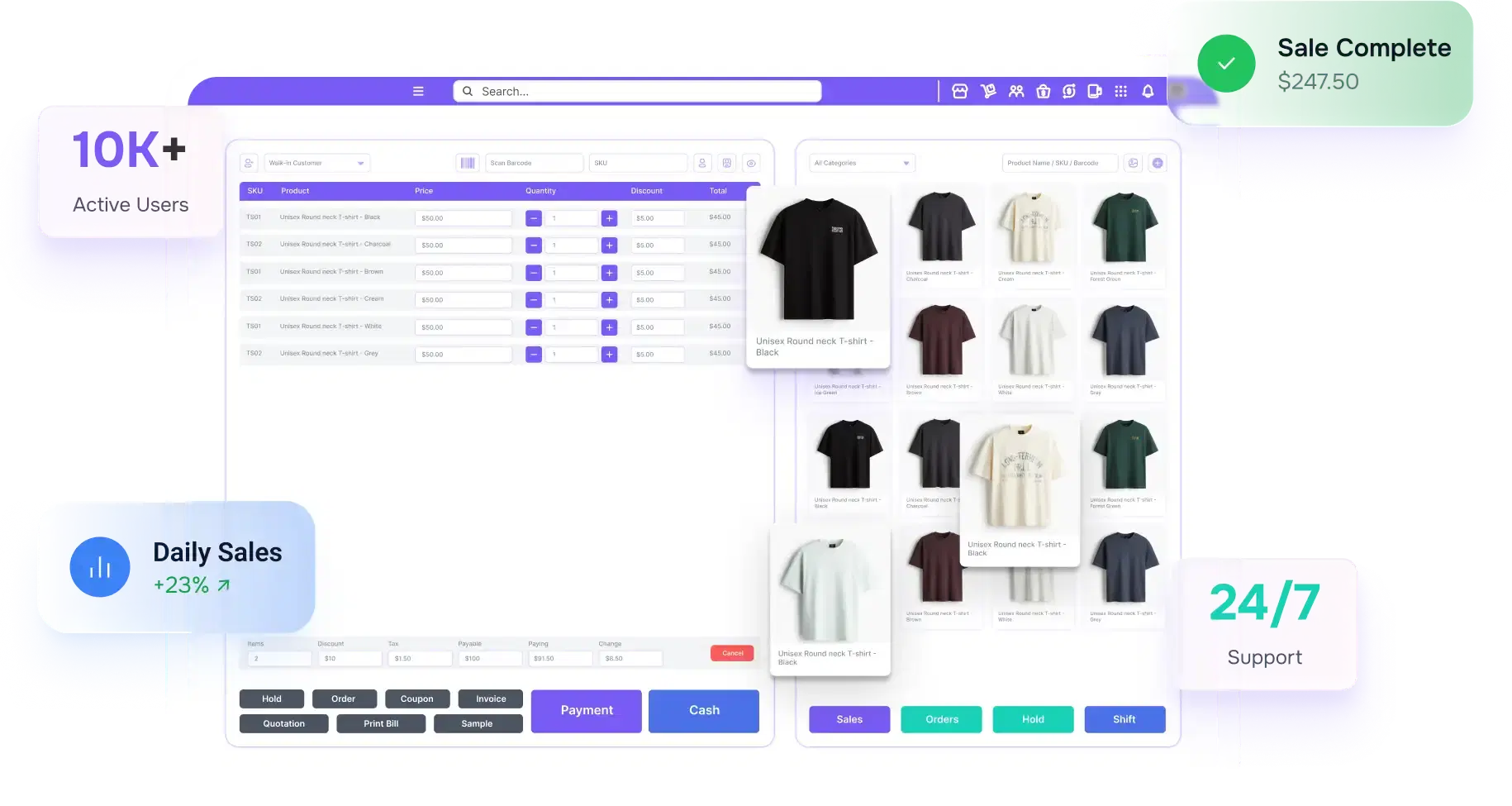
Managing a convenience store means handling hundreds of transactions every day while keeping stock on shelves, staff accountable, and cash balanced at every shift change. Owners Inventory gives you a POS system built around how a c-store actually runs. Billing, real-time inventory tracking, shift-level reporting, and staff access control all sit in a single dashboard, so nothing gets missed and nothing goes unrecorded.
Ratings on the Leading Review Platforms
Challenges Convenience Stores Face Daily
These problems are not generic. They are the specific issues that reduce your gross margin, slow your staff, and leave gaps in your records every single day.
Shrinkage With No Clear Source
Convenience stores operate on small profit, and inventory shrinkage lowers their profit further. When a cashier processes an unusual amount of cancelled transactions, there is often no record attached to those actions. Cash differences build up across shifts, and without proper records, finding the source becomes nearly impossible.
Age-Restricted Products at Checkout
Tobacco, alcohol, and lottery tickets all require an ID check at the point of sale. Doing this manually during a busy counter service period slows the line and increases the chance of a missed check. A single rule violation can put your license at risk, and without a transaction log attached to each age-restricted sale, it becomes hard to prove you followed the rules during an audit.
Stockouts on Fast-Selling Products
Popular products sell out faster than expected in a busy convenience store. Without live stock tracking, there is no warning when an item is about to run out. Slow-selling products remain unsold and waste money that could have been spent on stock that is actually in demand.
Cash Gaps at Shift Change
Cash gaps appear at the end of a shift when there is no record of which transactions the cashier handled or when the drawer was opened. Without a cash report connected to each employee ID, accountability disappears with every shift change.
How Owners Inventory Solves These Challenges
Our convenience store POS connects billing, inventory count, staff access, and reporting into one system, so these problems stop repeating.
Track Every Transaction by Employee
Every sale, refund, cancelled transaction, and drawer open is recorded under a specific employee ID and time. When something looks out of the ordinary, the system flags it automatically, so you always have a clear and up-to-date record across every shift.
Fast Billing, Faster Checkout
Barcode scanning processes each item in seconds and pulls the correct price directly from your product catalog. The checkout terminal calculates totals, applies active discounts, and generates a receipt without manual input from the cashier, keeping lines short even during your busiest hours.
Low-Stock Alerts
Stock levels update with every sale. When a product crosses its reorder point, you get a low-stock alert before it runs out, so your shelves stay stocked without relying on manual counting between shifts.
Full Shift Accountability
At the end of every shift, the system produces a daily sales summary that breaks down sales by each employee. Cash differences are flagged automatically, and every handover is recorded. If something does not add up, you know exactly where to look.
Manage Your Store Remotely
Your sales data, stock level visibility, and shift reports are accessible from any device in real time. Whether you manage one store or several, multi-location management brings everything into a single view so you can check what is selling, what is running low, and how each shift performed without being on-site.
Our Key Features
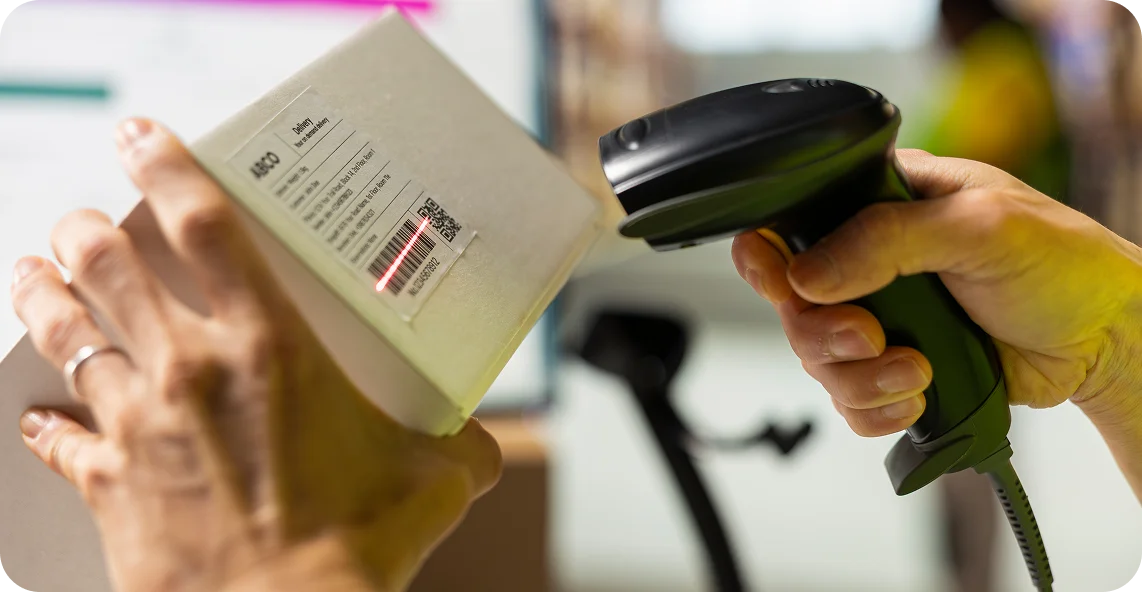
Barcode and SKU Billing
Every product has a unique barcode or SKU attached to it that the system reads at checkout. The system instantly finds the correct price, applicable taxes, and any ongoing deals or discounts, in a single scan.
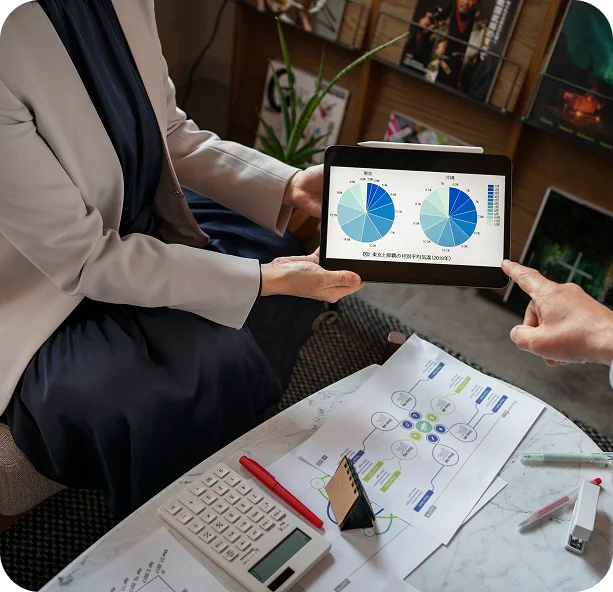
Shift-Based Sales Reports
The system captures a complete shift report covering each employee's sales, any differences in the cash amount, and a complete summary of the cashier's transactions at the end of every shift. Shift-level reporting builds accountability on a daily basis rather than leaving it for end-of-week review.
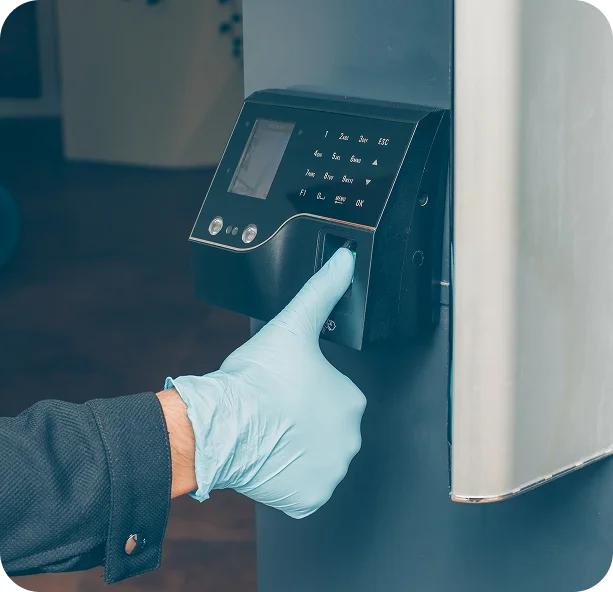
Role-Based Access and Staff Tracking
User permissions are assigned by role, so a cashier only accesses what is needed at the counter. The system records every sale under a specific employee ID, and staff performance reports show transaction history, shift hours, and sales activity for each team member.
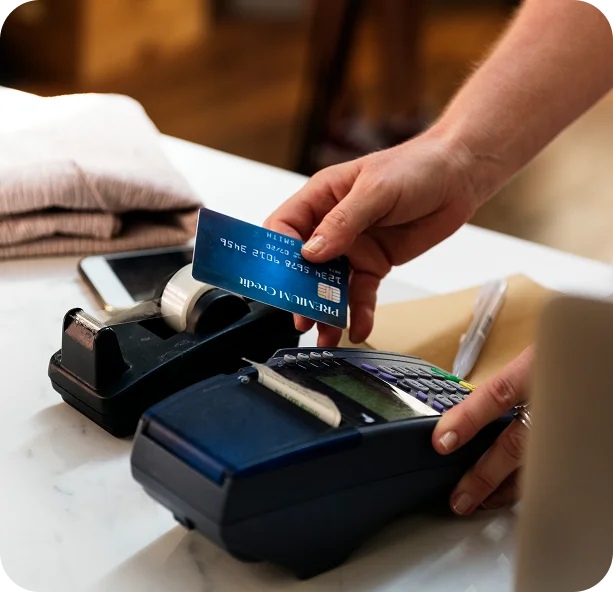
Cash, Card, and Digital Payments
The system accepts all major payment methods, including cash, credit and debit cards, and tap-to-pay. Security standards for card payments are built into the system, ensuring transactions are safe and follow the required rules. Customers can also pay with multiple payment methods simultaneously, and the system automatically splits the payment without any manual calculations.

Product and Category Filters
Cashiers can search for any product by its name or category directly on the screen during busy hours, even if the barcode is missing or damaged. The search pulls up results from the product list within seconds, so the checkout process keeps moving without any delays or holdups.

Stock Adjustment and Correction
When damaged goods are received or a quantity mismatch is found, the system records the stock adjustments with a reason, reference, and date. Every adjustment is saved and tracked, so your stock count stays accurate, and your records remain organised and ready if an official check or audit is ever needed.
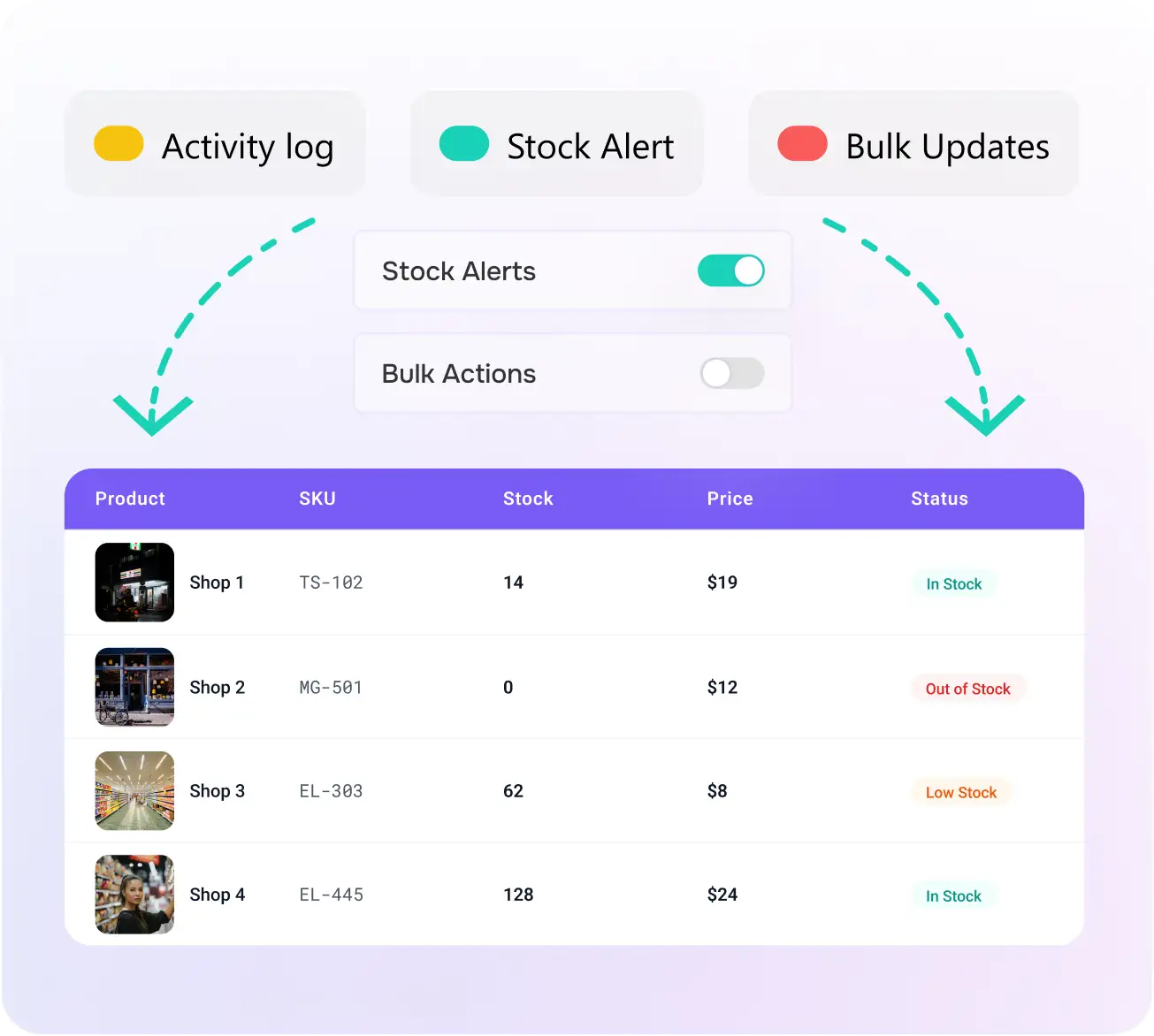
Centralized Sales and Billing
Every sale at the counter, every purchase order in the back office, and every supplier transaction runs through the same centralized dashboard. Real-time sync means the front and back of the store always reflect the same numbers. For owners with multiple locations, pricing updates and stock transfers apply from a single point.
- POS Sales Management
- Supplier and Purchase Order Control
- Unified Multi-Location View
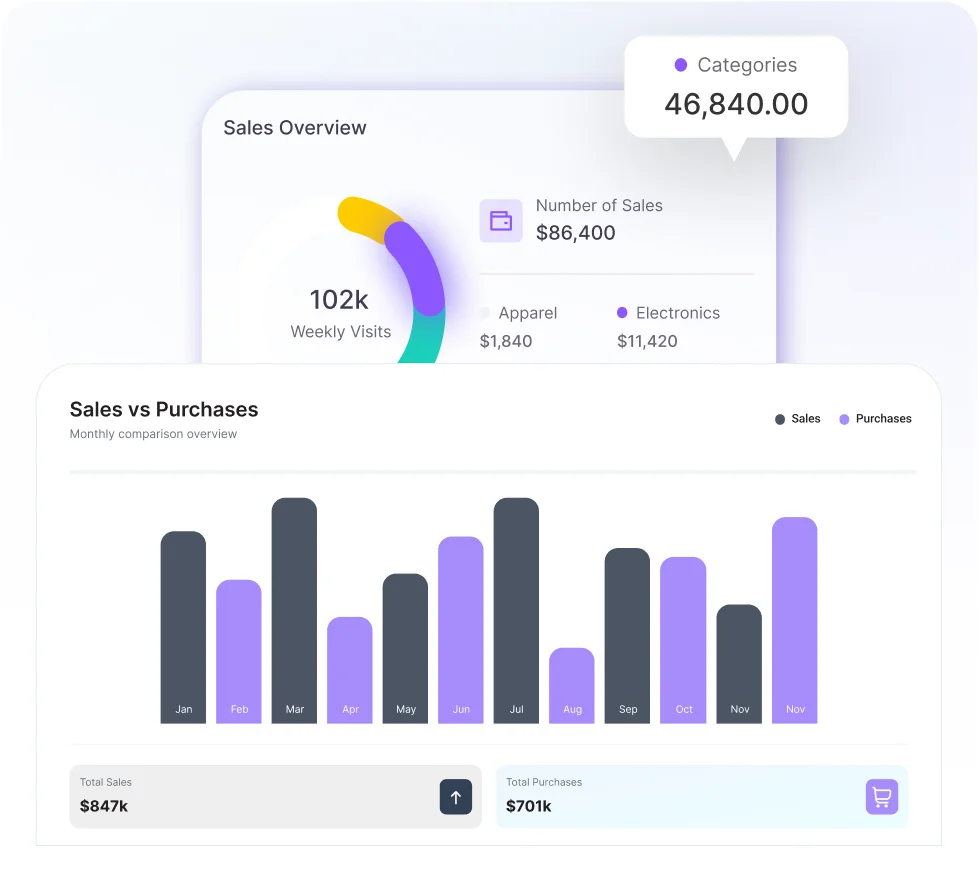
Sales and Inventory Reports, In Real Time
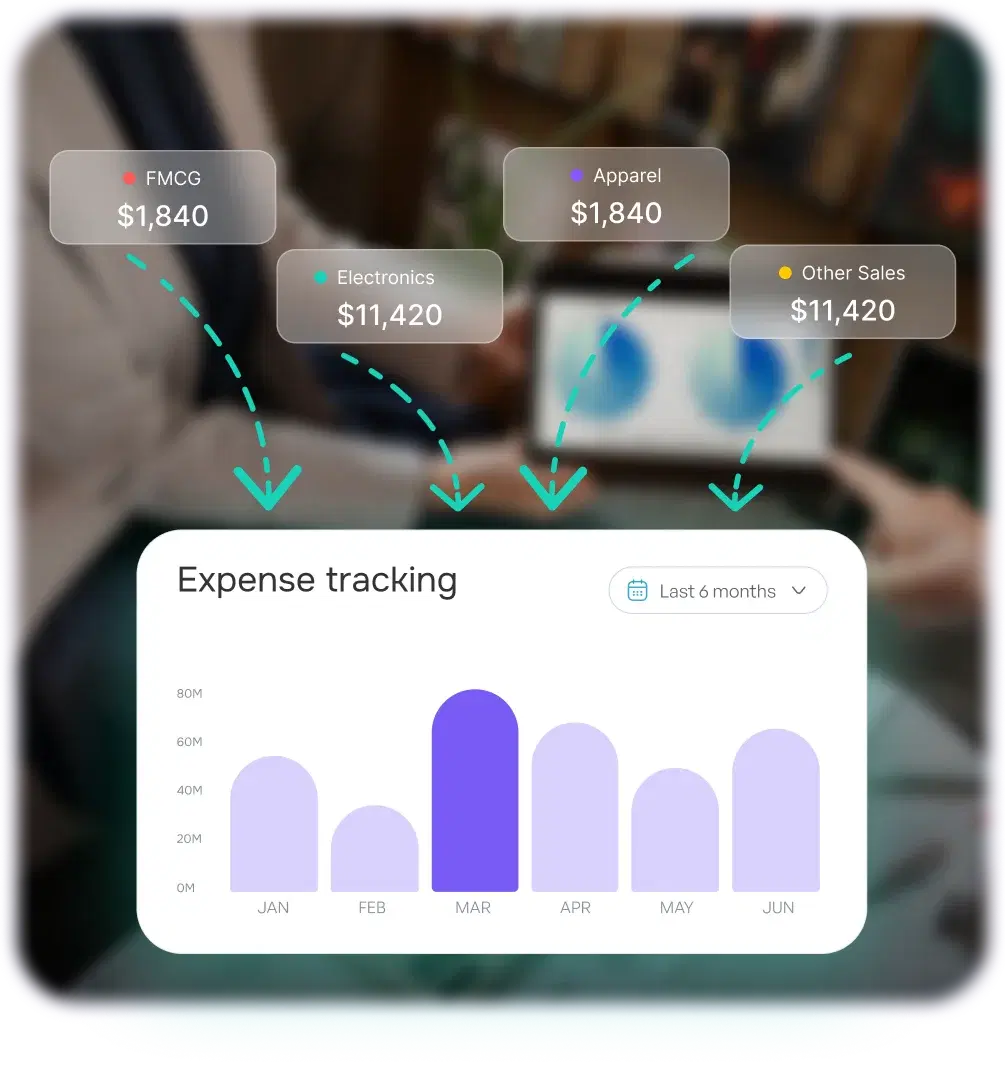
The reporting dashboard pulls together daily sales summaries, product performance reports, and profit margin reports into one continuously updated view. Top-selling products and slow-moving inventory are easy to compare so purchasing decisions are based on actual sales velocity. Peak hour analysis shows when the store is busiest so staffing and stock levels can be planned around real demand rather than guesswork.
- Real-time sales and stock level data
- Product performance and margin tracking
- Peak hour and demand forecasting
Security, Accuracy, and Compliance
The security of a POS system is a key factor when choosing one for a small retail store. Our POS system records every transaction under a specific employee ID with the exact timestamp. Role-based access control prevents a cashier from opening the cash drawer outside of an actual transaction. Any drawer opening without a transaction is automatically flagged in the system so it can be reviewed immediately. Our system automatically maintains a full audit record across every shift without any extra effort from your team.
Payment data is protected through end-to-end encryption and secure data handling, with built-in security standards that keep card transactions safe and compliant. No customer or transaction data is ever shared with third parties, and all records are stored securely in compliance with relevant data protection standards. Your data is automatically backed up to the cloud so your records can be preserved, even if your hardware breaks down. For age-restricted products like tobacco and alcohol, every sale is recorded separately, giving you a clean and organized compliance report that is ready whenever an official check or audit is required.
Integration and Tools
Owners Inventory connects with the accounting and payment tools your business already uses, so sales data, financial records, and inventory levels stay consistent without manual data entry between systems.

QuickBooks

Xero

Stripe
What Our Clients Say About Us


Gavin Walker
Convenience Store Owner
"Shift handovers used to take 20-30 minutes of sorting out discrepancies. Now the reconciliation report is ready the moment a shift ends, and cash variances are visible instantly. It takes under five minutes."


Nora Hall
Mini Mart Manager
"We carry 400+ SKUs and keep running out of fast-moving items with zero warning. Since turning on low-stock alerts, we caught 3 critical items running low in the first week and haven't had a full stockout since."

Austin Bell
Corner Store Operator
"I run the store remotely. I check sales and shift reports from my phone in under a minute. Last month, I spotted a cash discrepancy at 9 pm and had it resolved before closing, without stepping foot in the store."

Aurora Young
Multi-Location C-Store Owner
"Pricing updates and stock transfers across two locations used to take half my morning. Now I can handle both from one dashboard in under 15 minutes."
Get Control of Your Store
Real-time inventory tracking, shift-level cash accountability, and fast barcode scanning checkout in one system built for high-volume retail. Start now and put the whole operation in one place.
Why Choose Owners Inventory for Convenience Stores?
Convenience stores run on thin margins and tight schedules. Here is why store owners trust Owners Inventory to keep their operations tight, their staff accountable, and their shelves stocked.
Built for High-Volume Retail
Hundreds of transactions go through a busy c-store every single day. Our system handles that volume without slowing down, freezing, or losing records.
Faster Checkout Every Time
Barcode scanning finds the price before the customer has put their wallet away.
Auto-Tracked Inventory
Every sale updates your stock count on its own. When something runs low, you get an alert before it runs out on the shelf. No manual counting needed between shifts.
Shift-Level Accountability
Nothing floats between handovers with no name attached to it. Cash movements, voids, and transactions are all tied to a specific staff member and time, so if something is unusual, you know exactly who was at the counter.
Quick Staff Onboarding
New cashiers are confident at the checkout terminal within a single shift. The interface is built for speed, not complexity, which keeps training time short even with high staff turnover.
Remote Store Access
Your sales numbers, stock levels, and shift summaries are on your phone whenever you need them. You do not have to be in the store to know what is going on or to catch a problem before it gets worse.
Budget-Friendly Plans
Professional-grade features without enterprise-level pricing. Plans are structured around the real costs of running an independent convenience store.
Reliable Support
Our team is available whenever you need help, from initial setup and data migration to a question that comes up mid-shift.
FAQs
Have questions about Owners Inventory?
Here are answers to some of the most common questions from convenience store owners to help you understand how our POS system works and what it can do for your store.
Start NowBoost Your Store Today
Convenience store owners using Owners Inventory report fewer stockouts, tighter cash control, and faster checkout across every shift. Start today and put the whole operation in one place.